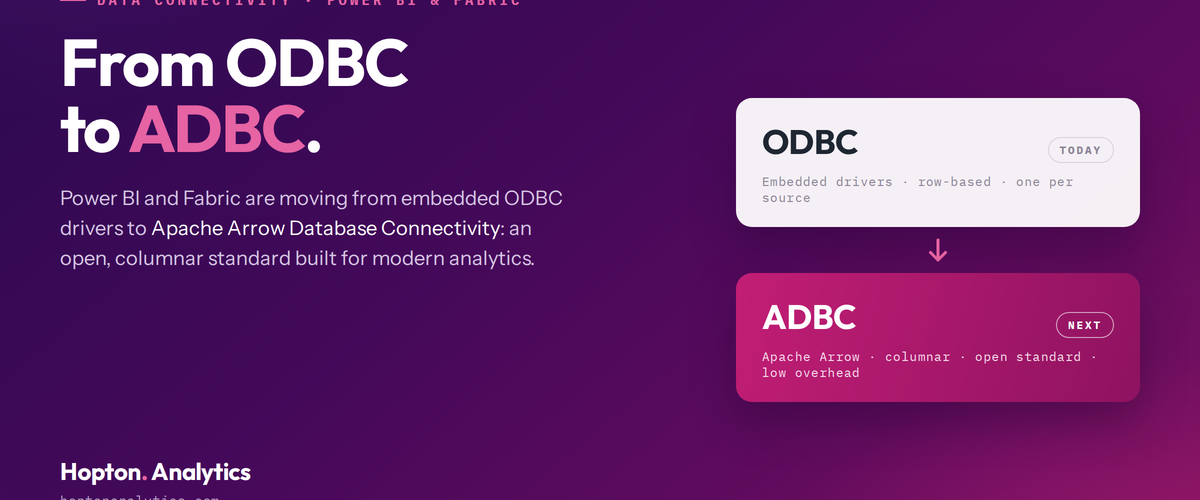
Microsoft is moving Power BI and Fabric off embedded ODBC drivers and onto Apache Arrow-based ADBC. Here's what's changing, who it affects, and what to do about it.
There’s a post going round LinkedIn saying Microsoft is deprecating the ODBC connector in Power BI and moving everyone to ADBC. The reasons it gives for ADBC being faster are sound. The scope is wrong, and the difference matters.
We have written more on this via our Power BI service, and Why Power BI Reports Show Different Numbers - and How to Fix It takes a closer look at a related part of the picture.
What ADBC is
ADBC stands for Arrow Database Connectivity. It’s built on Apache Arrow, the columnar format that’s become the standard for moving data between analytical systems. The speed claims hold up:
- Data moves in columns, not row by row.
- Fewer type conversions between source and client.
- Less copying in memory, with support for zero-copy transfer.
- Better use of vectorised processing on modern CPUs.
On a big refresh, tens or hundreds of millions of rows, that’s a real cut in overhead. The drivers also bring security improvements like memory safety and garbage collection.
What’s actually changing
Here’s where the post overreaches. Microsoft isn’t removing the ODBC connector. If you use Get Data, then ODBC, with your own installed driver or a DSN, that carries on exactly as it does now.
What’s changing is the embedded ODBC drivers that ship inside a specific set of cloud connectors. Those are being swapped out, mostly for an ADBC equivalent.
Who needs to pay attention
You’re affected if you connect to one of those sources and either you haven’t set an implementation on the connection, or you want central control over which driver is the default. That default applies across semantic models, Dataflows Gen2 and paginated reports.
The timeline
Microsoft’s planned dates:
- July 2026: the tenant setting that controls the default rolls out broadly.
- August 2026: the default starts switching to ADBC, in phases.
- Late Q3 to early Q4 2026: ODBC drivers start coming out of the service. If you need to stay on ODBC after that, you’ll have to run the query through a gateway.
- Spring 2027: the embedded ODBC drivers stop shipping with Power BI Desktop and the gateway.
What to do about it
Nothing dramatic. A few sensible steps if you’ve got affected sources:
- 1Pick a pilot workspace, turn the ADBC default on there, and check your key datasets and refreshes behave.
- 2For anything critical, opt in on the connection itself with Implementation=”2.0” and test it.
- 3Once you’re happy, decide whether to make ADBC the default at tenant level.
Two things worth knowing. You can only run one driver type per semantic model, so a model can’t mix ODBC and ADBC connections to the same source. And if you’re planning to stay on ODBC for a while, sort the gateway dependency before the service removal window, not after.
The wider point
Platform defaults change quietly, on a schedule that doesn’t always reach the people running the reports. See it coming and validate early, and it’s a non-event. Miss it, and it’s a refresh failure waiting to happen. Keeping on top of this is part of running an analytics estate properly. It isn’t a project.
If you’re not sure whether any of your connections are affected, we can check and put a short validation plan together. hello@hoptonanalytics.com.
If any of this sounds familiar, talk to us about your data.
Related reading
- Power BI Semantic Models: The Missing Layer Most Implementations Skip
- The Power BI Semantic Model Is the Real Asset
- Qlik To Power BI: Lessons Learned The Hard Way
Shauna Duffy
Director of Professional Services
Part of the Hopton Analytics team, delivering governed analytics programmes for UK mid-market organisations.